
$389.58
Add to Cart
Schneider Vijeo Designer 6.2 Service Pack 9 SP9 - no cable - VJDSUDTGAV62M
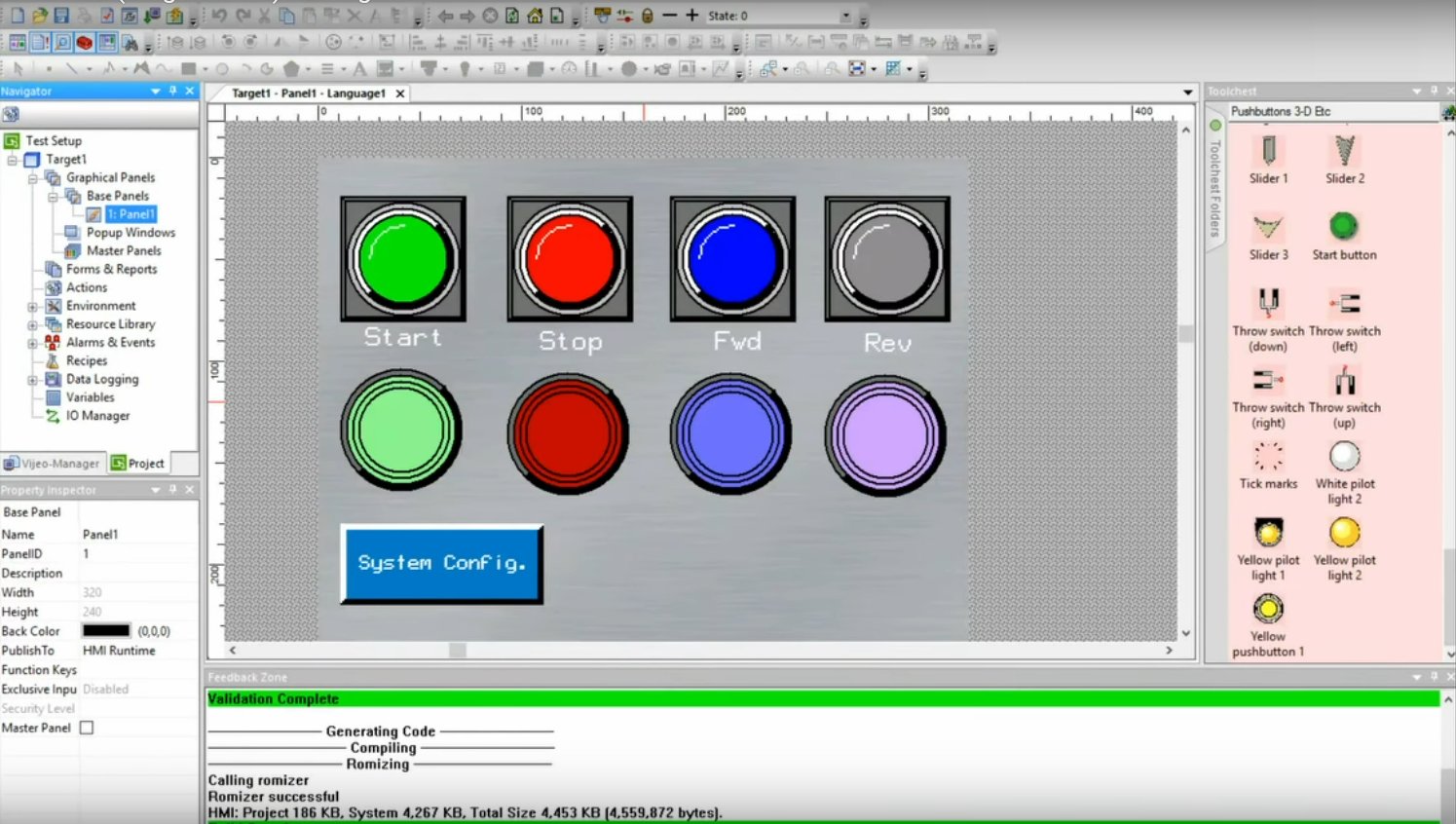


Product https://www.se.com/ww/en/faqs/FA385715/ ftp://ftp.fr.schneider-electric.com/VDesigner/VJD62.iso Product or component type Configuration software Language French English German Italian Chinese Spanish Portuguese Format DVD-ROM Complementary range compatibility Harmony XBT GH, Harmony XBT GTW, Harmony Compact iPC, Harmony XBT GK, Harmony GTO, Harmony STO & STU, Harmony XBT GT, Harmony Smart, Harmony GTU, Harmony iPC Software designation Vijeo Designer Type of license Single (1 station) System requirements Processor suitable for operating systems: Windows 7 Professional 32/64 bit, Windows 8.1, Windows 10 Professional 32/64 bit, Windows 11 Professional 64 bit Product compatibility SoMachine V4.1 or higher Communication port protocol MELSEC, Modbus RTU master, Modbus TCP master, Sysmacway, Ethernet/IP Explicit, Modbus 32-bit extensions, Profibus DP, ELAU PacDrive, ROC Plus, Allen-Bradley, UniTE TCP/IP, USB, Simatic, Toyopuc PC3J, Uni-Telway, Modbus Plus, Fipio/Fipway Provided equipment Acrobat Reader Tutorial in flash format User's documentation in electronic format Vijeo Designer software Software function 8000 variables 9999 alarms 4 Asian alphabets 2 Middle Eastern alphabets Sharing up to 300 variables 34 Western alphabets Environment audio video coding standard JPEG Packing Units Unit Type of Package 1 PCE Number of Units in Package 1 1 Item is not in the original package. Program can be downloaded FREE from SE website: Download link Package will contain 1 x VJDSUDTGAV62M Vijeo Designer 6.2 DVD 1 x Activation USB FLASH DRIVE Instructions This order will be on HOLD until the Computer ID and Code Entry Number of the destination PC is received. Please follow the SE transfer procedure to start the transfer. To get the Computer ID and Code Entry Number of the destination PC, perform these steps: Install the software product from https://schneider-electric.app.box.com/s/qn3damwdpwbzgtzd608e., https://www.se.com/ww/en/faqs/FA385715/ or , or https://schneider-electric.app.box.com/s/qn3damwdpwbzgtzd608e After installation, Start the Registration Wizard by opening C:Program Files (x86)Schneider ElectricVijeo-Designer 6.2Vijeo-FrameRegistrationRegistrationWizard.exe On the bottom left of the page, find the Computer ID and Code Entry Number. Send the Computer ID and Code Entry Number of your PC shown in the dialog box. After receiving the Computer ID and Code Entry Number, the transfer can be initiated. Click Cancel to close the Registration Wizard. Note: To avoid mistakes, please send a print screen of both codes. Feel free to ask any questions. As we bought the license with our company name, we are just transferring the license to the buyer. I offer free remote support via Anydesk or Teamviewer for downloading, installing, activating and troubleshooting my products.


